
Phaser
The phaser is an audio effect that creates a classic sweeping sound, ideal for pads and guitars, while also capable of delivering more extreme effects. Discover how to add unique sonic textures to your music.
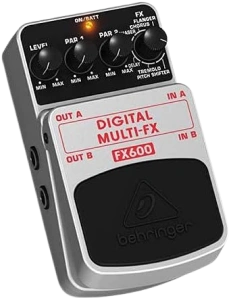
The phaser effect is a classic audio processing technique used to create a sweeping, whooshing sound by modulating the phase of an audio signal.
It works by splitting the audio path, altering the phase of one branch, and recombining it with the dry signal. This interaction creates alternating constructive and destructive interference, producing characteristic "peaks" and "notches" across the frequency spectrum.
Phasers are widely used to inject organic movement, depth, and unique texture into everything from electric guitars and synthesizers to vocals and drum loops.
How the Phaser Works
A phaser typically relies on an array of all-pass filters that shift signal phase over time. When mixed back with the dry audio, shifting phase cancellation produces the signature sweeping motion.
The key parameters shaping this effect include:
- Rate: Controls the LFO speed of the sweep, determining how fast the "whoosh" moves across frequencies.
- Depth: Sets the intensity of the phase modulation, governing how wide the frequency peaks and notches stretch.
- Feedback: Routes processed output back into the input, sharpening the notches for a more resonant, dramatic sweep.
Applications of the Phaser
The phaser is a versatile effect used creatively across a wide range of instruments and genres:
- Guitar: A staple for adding swirling, psychedelic movement and spatial depth to riffs or clean chords.
- Vocals: Applied subtly on auxiliary sends to add ethereal, atmospheric texture in ambient or experimental tracks.
- Synthesizers: Gives synth pads and leads an evolving, pulsating quality, adding richness and fluid space.
- Drums & Percussion: Introduces unique motion to auxiliary elements like hi-hats, loops, or claps, making rhythm sections dynamic.
How to Use the Phaser in Production
Phasers are standard tools in modern DAWs and can be deployed on individual tracks, parallel auxiliary send/return busses, or entire submixes.
By balancing Rate, Depth, and Feedback, you can dial in anything from a subtle, transparent sense of motion to a bold, swirling psychoacoustic texture.
Working Example: Phaser on Clap
1. Original Clap Beat Without Phaser:
2. Clap Beat With Phaser Effect Applied: